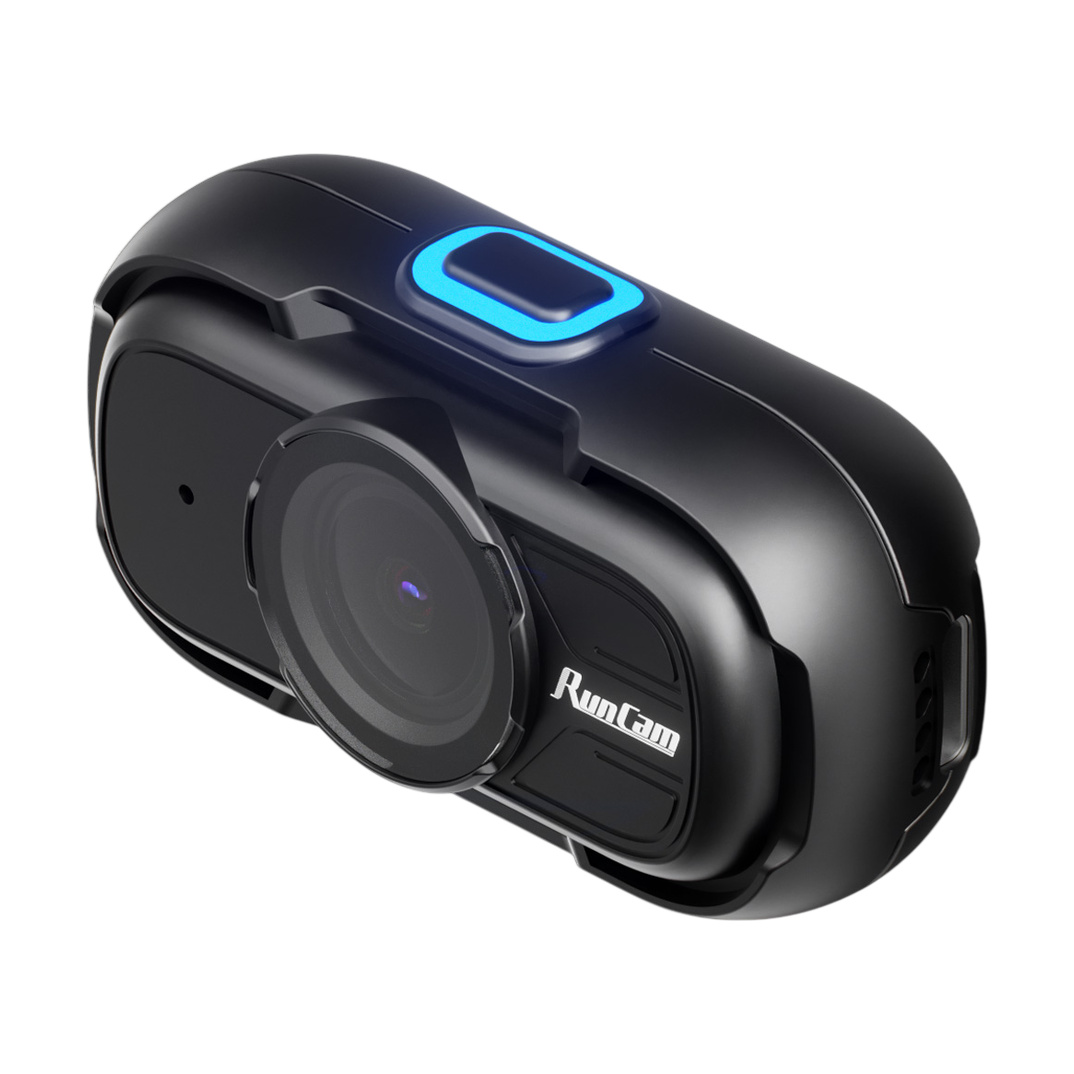
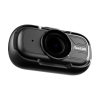
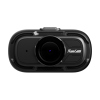
RunCam Feed is a lightweight wearable camera for POV recording from the user's perspective. It is not a drone camera — it is suitable for recording work processes, tutorials and creative work (model making, DIY), wherever the user needs both hands free. It weighs approximately 26g and can be mounted on the head, chest, cap, desk clamp or tripod using the included mounting clip and 1/4" threaded adapter. The headband and other mounts are not included.
The camera records in 1080p at 60fps resolution (optional 30fps) with a 150° diagonal field of view (126° horizontal, 69° vertical). Video is encoded in H.265 at 18Mbps and stored in MP4 format on a microSD card up to 512GB (U3 class recommended, exFAT or FAT32 file system). In addition to standard recording, it supports loop recording (“loop"). The integrated IMU sensor ICM-42607 records camera movement with the same time base as the image — a .gcsv file with the same name is created for each video, allowing the video and motion data to be clearly paired. Audio is captured by the built-in microphone.
The camera does not have a battery for standalone operation and is powered by an external 5V source via USB-C (USB adapter, power bank or RunCam Power Box, not included). The built-in battery serves only as a short backup during a power outage to prevent corruption of the recording in progress. Power consumption during recording is 1.3W in 1080p60 mode and 1.0W in 1080p30 mode. With the Power Box and two 18650 3500mAh cells, it can record continuously for over 8 hours according to the manufacturer (power box not included). Eight hours of video at default settings takes approximately 70GB, so we recommend a 128GB card.
By default, the camera turns on automatically when power is connected and starts recording after approximately 3 seconds. Status is indicated by a blue LED and a short beep. When connected to a computer, the camera works as a USB drive for downloading files; a short press of the button switches it to webcam (UVC) mode, which provides a live preview when setting up the shot. Automatic power-on, automatic recording and other parameters can be adjusted in the FeedConfig.ini configuration file on the microSD card.
Key Features
- Video resolution: 1080p@60fps (default), 1080p@30fps
- FOV: D:150° H:126° V:69°
- Video format: MP4 (H.265, 18Mbps)
- Recording mode: Normal / Loop
- Stabilization: IMU ICM-42607 (motion data to .gcsv file)
- SD card: microSD up to 512GB, U3, exFAT/FAT32
- Power supply: 5V USB-C (external source)
- Power consumption: 1.3W (1080p60), 1.0W (1080p30)
- Battery: Built-in, backup only during power outage
- Operating time: 8h+ with RunCam Power Box (2x 18650 3500mAh)
- Interface: USB-C (USB drive / UVC webcam)
- Control: Button, FeedConfig.ini configuration file
- Microphone: Built-in
- Material: ABS
- Weight: 26g
User Guides
Package Includes
- 1x Camera
- 1x Mounting clip
- 1x 1/4" threaded adapter